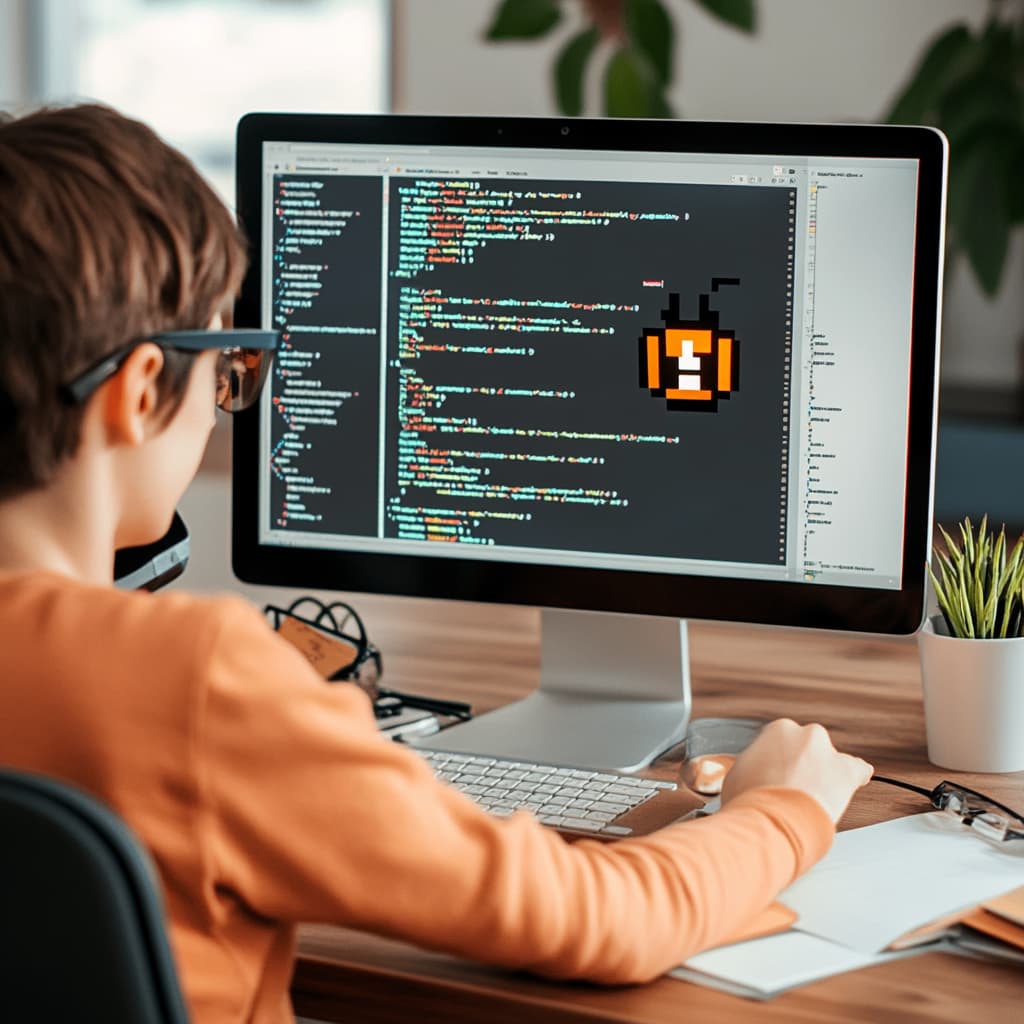
For many new programmers, writing code feels like a thrilling accomplishment. You’ve learned the syntax, written your first program, and seen it run successfully. But sooner or later, you’ll face a new and often intimidating challenge: reading someone else’s code. Whether it’s a legacy project at work, an open-source library, or even a tutorial you found online, reading unfamiliar code can feel like decoding a foreign language.
Understanding existing code is a critical skill. In real-world software development, programmers often spend more time reading and maintaining code than writing it from scratch. The ability to navigate through someone else’s logic, structure, and style can make you a better developer, help you learn faster, and prepare you for teamwork and collaboration.
In this article, we’ll walk through practical advice for approaching unfamiliar code and building confidence in reading and analyzing projects written by others.
Why Reading Code Matters
Being able to read code well opens up a world of possibilities. It allows you to contribute to open-source projects, work effectively in teams, learn from experienced developers, debug and extend existing software, and prepare for technical interviews. Ultimately, reading code teaches you how others think — and sharpens how you write your own code, too.
Start with the Big Picture
Before diving into individual lines or functions, take a step back and try to understand the general structure of the project. Ask yourself:
- What is the purpose of this code?
- What kind of application is it? (Web, mobile, API, etc.)
- What technologies or languages are being used?
- What files or directories seem to be the most important?
Look for documentation files like README.md, comments at the top of files, or setup instructions. If there’s a main() function or entry point, read that first — it often provides an overview of how everything connects.
Follow the Data Flow
When trying to understand logic, focus on the flow of data: where it starts, how it moves, and how it changes along the way. Identify inputs and outputs for each function or module. This helps make sense of what the code is actually doing and why certain decisions are made.
If you’re working in an object-oriented language, pay attention to how objects are created, what methods they call, and what data they store. For functional code, watch how functions pass values and transform them.
Tracing the journey of data through the program can bring abstract logic into clearer focus.
Break It Down Into Manageable Parts
Don’t try to read everything at once. Pick one part of the code — a single function, class, or module — and try to understand it in isolation. Once you feel comfortable with that part, move on to another piece.
Think of the codebase like a puzzle: you won’t see the full picture immediately, but each piece helps you understand the whole. Focus on what each part is responsible for. Ask yourself: what is this function doing? What are its inputs and outputs? What is it returning?
Use Comments and Print Statements
Many experienced developers add helpful comments to explain what their code is doing. Pay attention to these — but don’t rely on them entirely. Sometimes comments are outdated or misleading. Use them as clues, but verify by reading the actual code.
If you’re still confused, insert your own print statements to see what variables hold during execution. Or, if you’re working with a debugger, set breakpoints and step through the code line by line to see what happens at runtime.
Take Notes as You Go
While exploring a new codebase, keep a notebook or document open to jot down your observations. Sketch diagrams, write down key variables or function names, and summarize what each module does. This helps organize your thoughts and creates a reference you can return to later.
Creating your own map of the code can reduce overwhelm and help build a mental model of how everything connects.
Look Up Unfamiliar Syntax or Libraries
Don’t be discouraged if you encounter language features, libraries, or patterns you’ve never seen before. Even experienced developers regularly look things up. Use documentation, Google, Stack Overflow, or AI tools to research unfamiliar concepts.
In many cases, once you understand a new syntax or library method, the rest of the code becomes easier to follow. Be patient with yourself — it’s part of the learning process.
Refactor or Rewrite for Practice
A great way to solidify your understanding is to rewrite a small part of the code in your own style or words. This might mean renaming variables for clarity, reorganizing a function, or writing summary comments.
You can even try refactoring — simplifying complex functions or removing duplication. Just be sure not to change the logic unless you’re confident it won’t break anything.
This exercise helps turn passive reading into active engagement and makes the logic feel more natural to you.
Ask Questions — and Try to Answer Them
Reading code is like solving a puzzle. When you get stuck, ask yourself:
- What is this function trying to achieve?
- Why is this variable named this way?
- What happens if I change this value?
- What calls this function? Where is it defined?
Sometimes you’ll need help — and that’s okay. Reach out to the original author (if possible), a teammate, or online communities. But try to figure things out first on your own — the struggle itself is a powerful teacher.
Practice With Open-Source Projects
One of the best ways to improve your code-reading skills is to explore open-source repositories on platforms like GitHub or GitLab. Look for projects written in a language you’re learning, and start with small, well-documented projects.
Try reading the code, running it locally, and maybe even fixing a bug or adding a small feature. Open-source contributions are not only great for learning, but they also boost your portfolio and professional experience.
Conclusion
Learning to read and understand someone else’s code takes time, patience, and curiosity. It’s a skill that develops with practice — and one that sets apart good developers from great ones.
Instead of feeling frustrated when you encounter unfamiliar code, treat it as a challenge. Each time you work through another person’s logic, you’re expanding your knowledge, learning new patterns, and building the confidence to tackle more complex systems.
Eventually, the code that once looked confusing will begin to make sense — and you’ll realize just how far you’ve come.